from the bridgething app or this browser
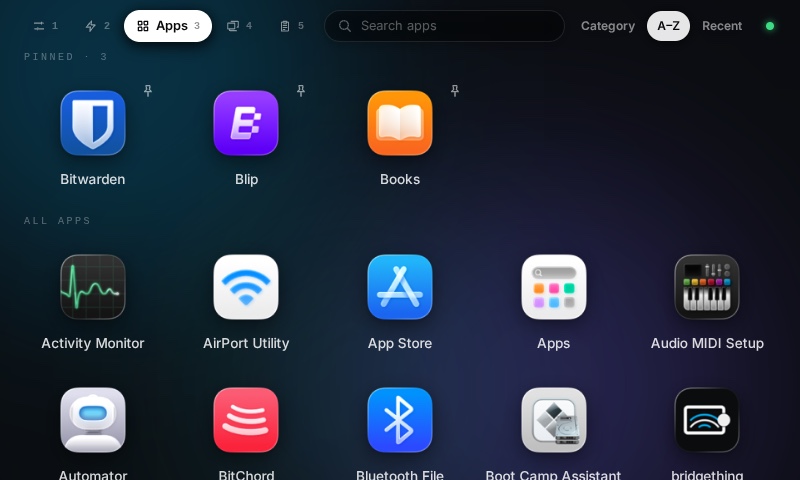
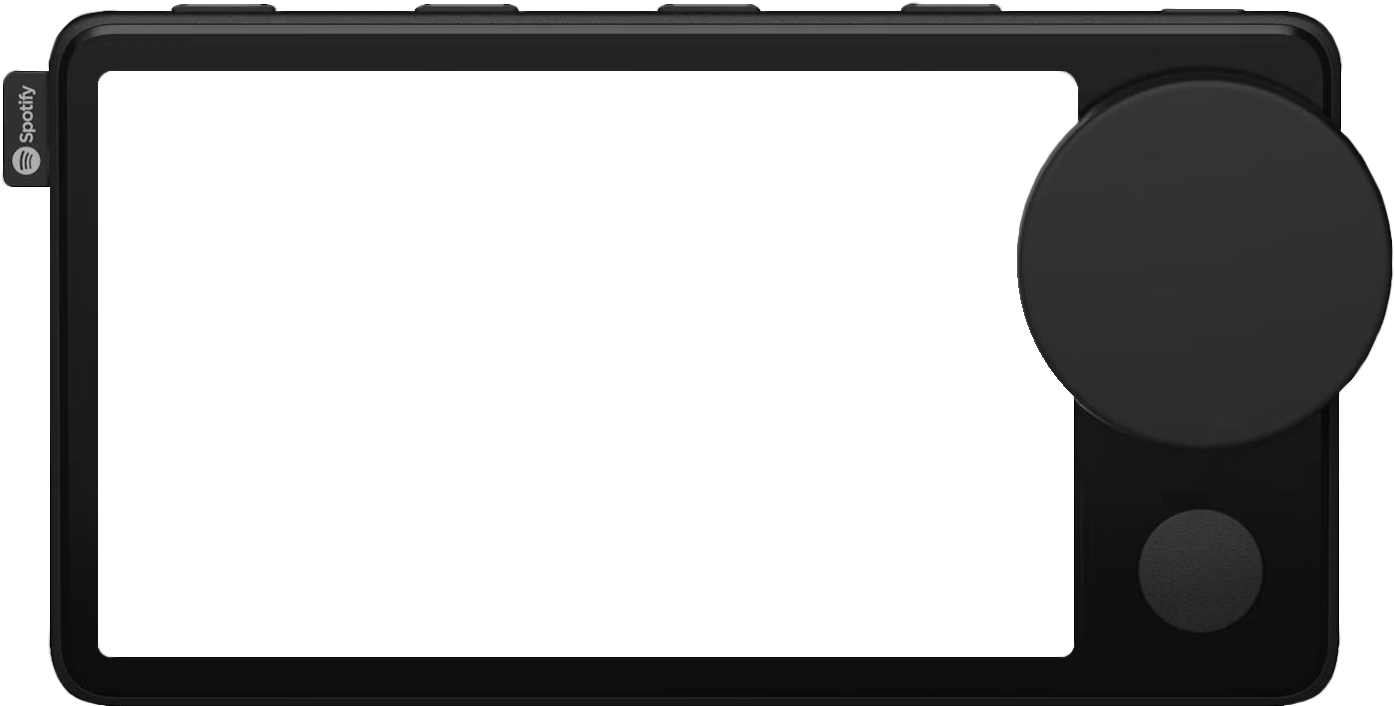
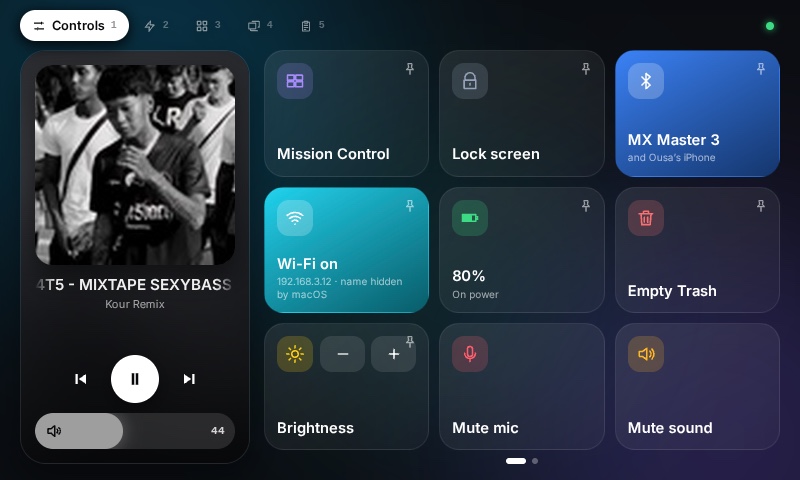
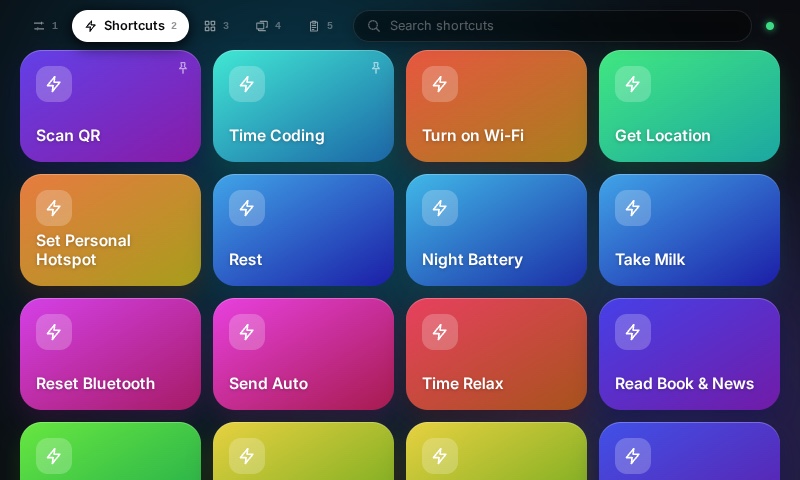
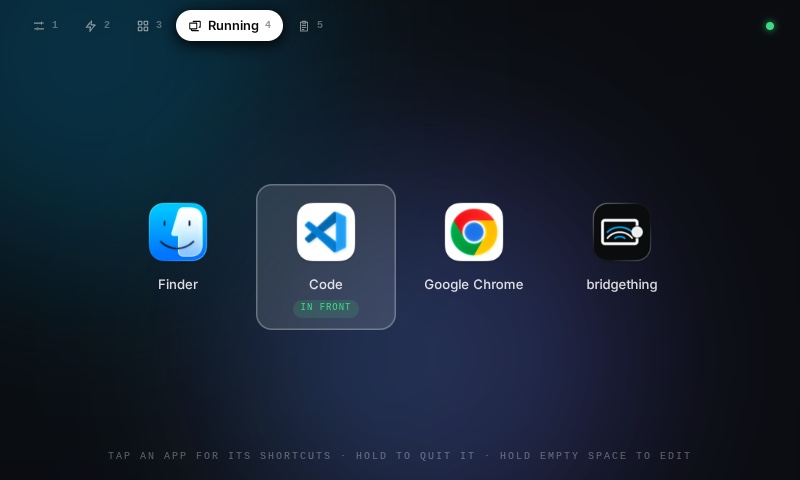
Big tiles that work the Mac your Car Thing is plugged into: shortcuts, apps, volume, mic and more.
native extension
this app runs code on your computer. it reported needing these permissions:
- run /usr/bin/osascript
- run /usr/bin/shortcuts
- run /usr/bin/open
- run /usr/bin/pmset
- run /usr/sbin/screencapture
- read /Applications
- read /System/Applications
- read the HOME environment variable
- run /usr/bin/caffeinate
- run /usr/sbin/networksetup
- run /usr/bin/defaults
- run /usr/sbin/ipconfig
read it first: ousachea/Ousa-Music-Player-v1
new in 0.1.2
• Installs on Car Things running bridgething 0.13.1, which it works with, instead of asking for 0.14.0
permissions
no permissions
details
- id
- 01a17177-893e-7726-bed0-f3e3b3847724
- needs
- libbridgething 0.13.1
- homepage
- https://github.com/ousachea/Ousa-Music-Player-v1
- source
- https://github.com/ousachea/Ousa-Music-Player-v1
versions
30.1.2lib 0.13.1 · 1.0 MB
0.1.1lib 0.13.1 · 1.0 MB
• On Clipboard, each Copy button and the Clear button sit on the left
0.1.0lib 0.13.1 · 1.0 MB
First release: big tiles that work the Mac your Car Thing is plugged into. • Controls: the song playing (from the Car Thing's player, or the Mac's Spotify or Music) with its cover, its transport and the Mac's volume as a pill you drag or turn with the wheel, beside two swipeable pages of nine: mute mic, Bluetooth (with what is connected), mute sound, screenshot, lock screen, Mission Control, keep awake, dark mode, show desktop, Wi-Fi (with its IP, and its name where macOS allows), battery, Focus (through a "Toggle Focus" shortcut), screen saver, quit app, brightness, empty Trash (tap twice) and sleep. The tiles that switch something light up while on. • Shortcuts: your own shortcuts from the Mac's Shortcuts app, leaving out Apple's starter ones and untitled drafts, one tap to run, with search. • Apps: every installed app with its own icon, grouped by category or sorted A to Z or by last opened, with search on an on-screen keyboard. A pressed app is edged in its icon's colour, and opening one takes you to its shortcuts. • Running: the apps open on the Mac, the one in front in the middle, holding one for a second quitting it, and holding empty space entering an edit mode with a close button on each and Quit all; tap one to bring it forward and see its keyboard shortcuts, read from its own menus as a card per menu, each a tap away, with Back to return. • Clipboard: the text you copied lately, kept in memory on the Mac, never a password manager's, each with a Copy button. Hold any tile to pin it to the head of its list. A tile answers a press in its own colour: a sheen while the Mac works, a ring of light inside it when done, a shake when not.